open-webui/open-webui
Giao diện AI thân thiện với người dùng (Hỗ trợ Ollama, OpenAI API, ...)
README
Mở WebUI
Mở WebUI là ngôi nhà cho AI: an extensible, easy-to-use, self-hosted platform built to run entirely offline. Connect local models through Ollama or use OpenAI-compatible APIs for local and cloud models.
Tiếng Anh | 简体中文 | 繁體中文 | 한국어 | tiếng Đức | tiếng Tây Ban Nha | người Pháp | tiếng Ý | Đan Mạch | 日本語 | Tiếng Ba Lan | Русский | Bosanski | العربية | Norsk | Người Bồ Đào Nha (Brasil) | ไทย | Türkçe | Українська | বাংলা | Ελληνικά | Tiếng Việt









Cài đặt
Python
# With uv installed (macOS/Linux)
DATA_DIR=~/.open-webui uvx --python 3.12 open-webui@latest serve

# Or install and run with pip (Python 3.12)
pip install open-webui
open-webui serve
Sau đó mở HTTP://localhost:8080.
Docker
docker run -d -p 3000:8080 --add-host=host.docker.internal:host-gateway -v open-webui:/app/backend/data --name open-webui --restart always ghcr.io/open-webui/open-webui:main
Sau đó mở HTTP://localhost:3000.
| Thẻ hình ảnh | Includes |
|---|---|
:main |
Standard image with local AI dependencies |
:slim |
Lightweight image using external services for embeddings, document extraction, and voice |
:cuda |
Open WebUI with CUDA acceleration |
:ollama |
Open WebUI bundled with Ollama |
:dev |
Latest development build |
Add these options to docker run before the image name as needed:
| Tùy chọn | Mục đích |
|---|---|
-e OLLAMA_BASE_URL=http://your-ollama-server:11434 |
Connect to Ollama on another server |
-e OPENAI_API_KEY=your_secret_key |
Set your OpenAI API key |
-e HF_HUB_OFFLINE=1 |
Disable Hugging Face model downloads for offline use |
--gpus all |
Enable Nvidia GPU access for :cuda hoặc :ollama; requires the Nvidia Container Toolkit |
Xem Docker installation guide for setup instructions and configuration options.
Ứng dụng dành cho máy tính để bàn
Download the native desktop app for macOS, Windows, and Linux.
Hệ sinh thái
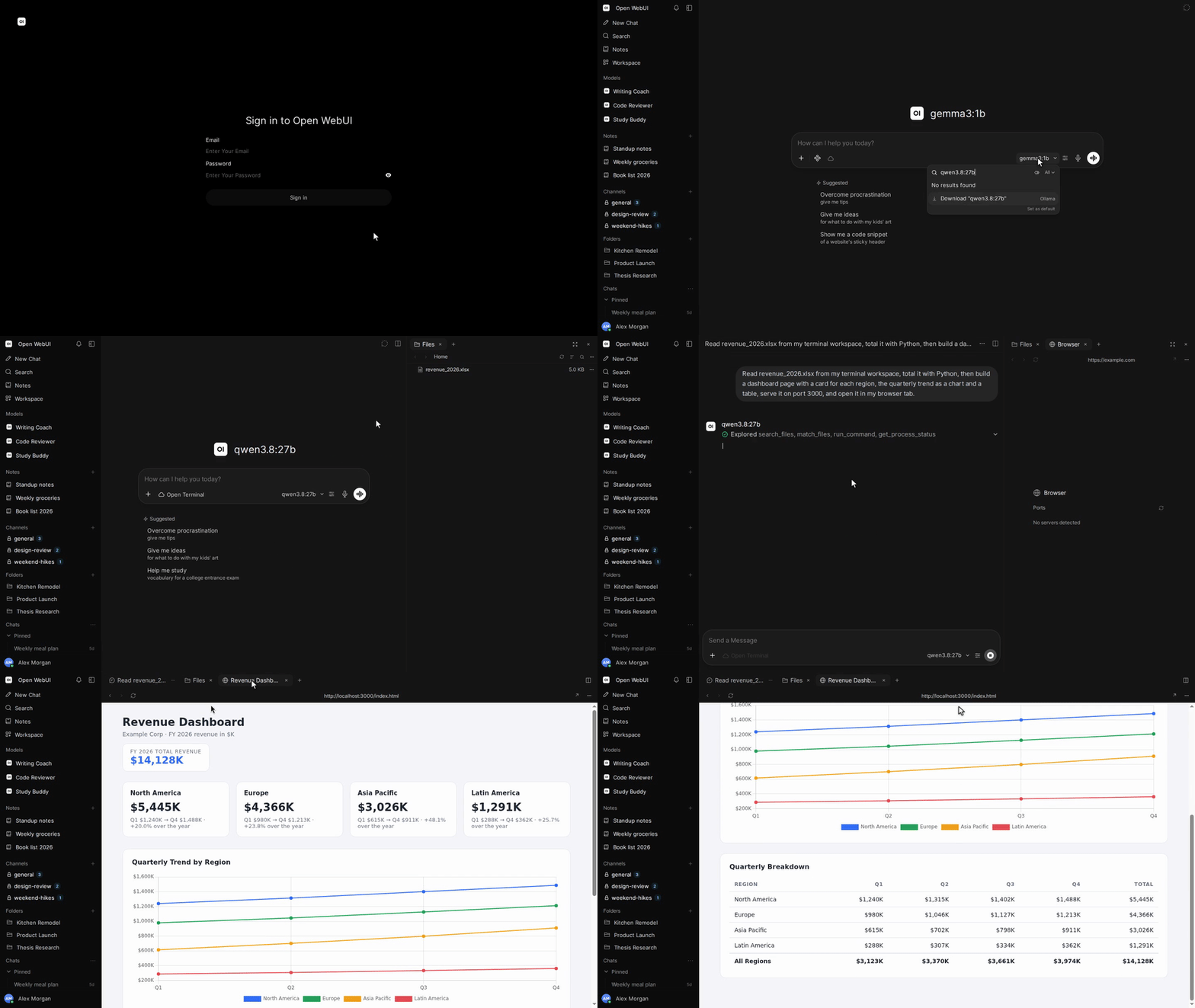
- Mở thiết bị đầu cuối / Thiết bị đầu cuối (Doanh nghiệp): The action layer that turns Open WebUI into a full agent harness, with enterprise orchestration for per-user workspaces.
- Knowledge Base Sync (oikb): Mirror folders, repos, buckets, and wikis into Open WebUI Knowledge Bases with incremental sync.
- Mở máy tính WebUI: Your computer in any browser: files, editor, terminal, git, and optional AI agents, running on your real machine.
Xem ecosystem documentation để biết chi tiết.
Troubleshooting and Updates
Xem hướng dẫn khắc phục sự cố for connection issues and the updating guide to update your installation.
Tài liệu
Xem tài liệu for configuration and usage, and the lộ trình for planned work.
For Docker Compose, Kubernetes, and other setups, see the tài liệu cài đặt.
Hỗ trợ
Mở một vấn đề hoặc start a discussion.
Find us on Reddit, Xvà Bất hòa.
Bảo mật
Report vulnerabilities privately through GitHub security advisories. Security reports are accepted only through GitHub.
Lịch sử ngôi sao
Giấy phép
Includes code under the Open WebUI License, which requires preserving the Open WebUI branding, and prior contributions under their original licenses. See GIẤY PHÉP và LICENSE_HISTORY for terms and history.
Doanh nghiệp · Careers · Nhà tài trợ
Tạo bởi Timothy Jaeeryang Baek.
Dự án cùng danh mục

Hãy bắt đầu và chạy với Kimi, GLM, MiniMax, DeepSeek, gpt-oss, Qwen, Gemma và các mẫu khác.

f.k.a. Lời nhắc ChatGPT tuyệt vời. Chia sẻ, khám phá và thu thập lời nhắc từ cộng đồng. Nguồn mở và miễn phí — tự lưu trữ cho tổ chức của bạn với sự riêng tư hoàn toàn.

🤗 Transformers: khung định nghĩa mô hình cho các mô hình học máy tiên tiến ở dạng văn bản, hình ảnh, âm thanh và mô hình đa phương thức, cho cả suy luận và đào tạo.

Suy luận LLM trong C/C++

21 bài học, bắt đầu xây dựng bằng AI sáng tạo

Triển khai LLM giống ChatGPT trong PyTorch từ đầu, từng bước